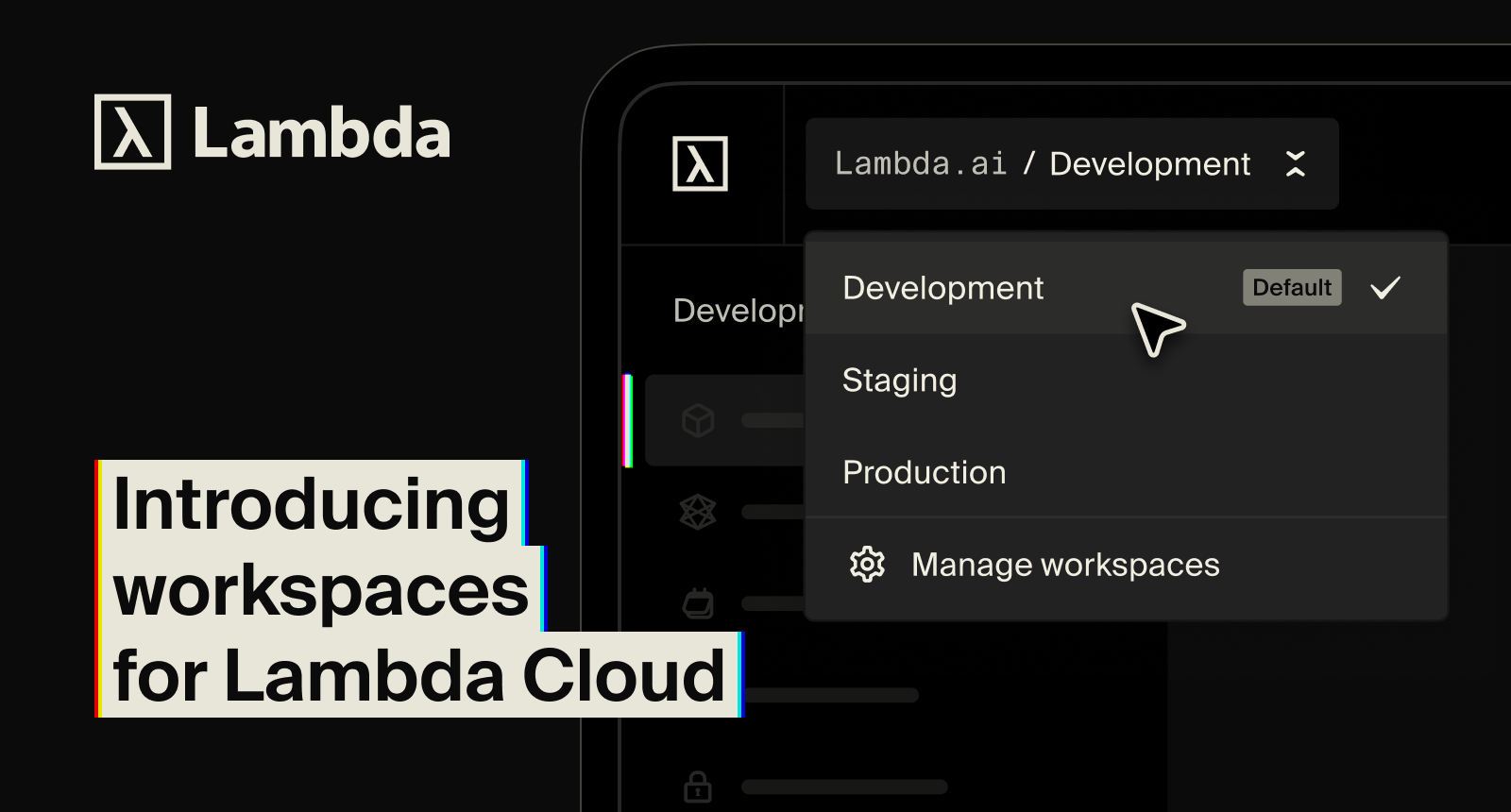
Lambda workspaces help teams organize cloud resources, control access, and separate dev, staging, and production in shared GPU environments.
A junior researcher kills a production training run. A contractor sees weights they shouldn't. If you run a shared cloud account, you've lived some version of this story.
Workspaces fix it.
The flat account stops scaling
In a single shared account, every engineer works in the same space. That’s fine when the team is small, but it gets harder as more teams, projects, and environments share the same GPU resources.
Without clear boundaries, dev and production can blur together. Teams can see resources they do not own. A contractor who only needs access to one project may end up with broader access than they need.
The usual workarounds are familiar: tag resources by hand, rely on naming conventions, or create separate accounts for each team. Those approaches can work for a few instances. They get harder to manage as the fleet grows.
Who feels it first
Platform engineers. MLOps leads. Anyone responsible for keeping a shared GPU environment stable as the team grows past the point where everyone trusts everyone with everything.
You've seen it as a Slack message at 3 am because someone spun down the wrong instance. You've seen it as a spreadsheet tracking who launched what, maintained by nobody. You'll feel it again when a contractor onboards, and there's no "this project only" scope to hand them.
The workspaces model
Workspaces are logical containers for grouping cloud resources. Every cloud resource, including GPU instances, Kubernetes clusters, and filesystems, lives inside one workspace. Workspaces are the primary unit for resource-level access control.
You group what belongs together. You scope who can see and launch what. You stop relying on convention to keep environments separate.
How it works
Every Lambda Cloud account starts with a default workspace. All existing account members are in it, so nothing in your current setup breaks. From Account settings, an account admin can create additional workspaces and explicitly add members. Only those members can see the Workspace or launch resources inside it.
The default workspace stays in place and can't be deleted. The rest are yours to create, organize, and remove as your needs change. A workspace can span multiple Lambda public regions, and a single account can hold up to 200 of them.
Workspaces are free.
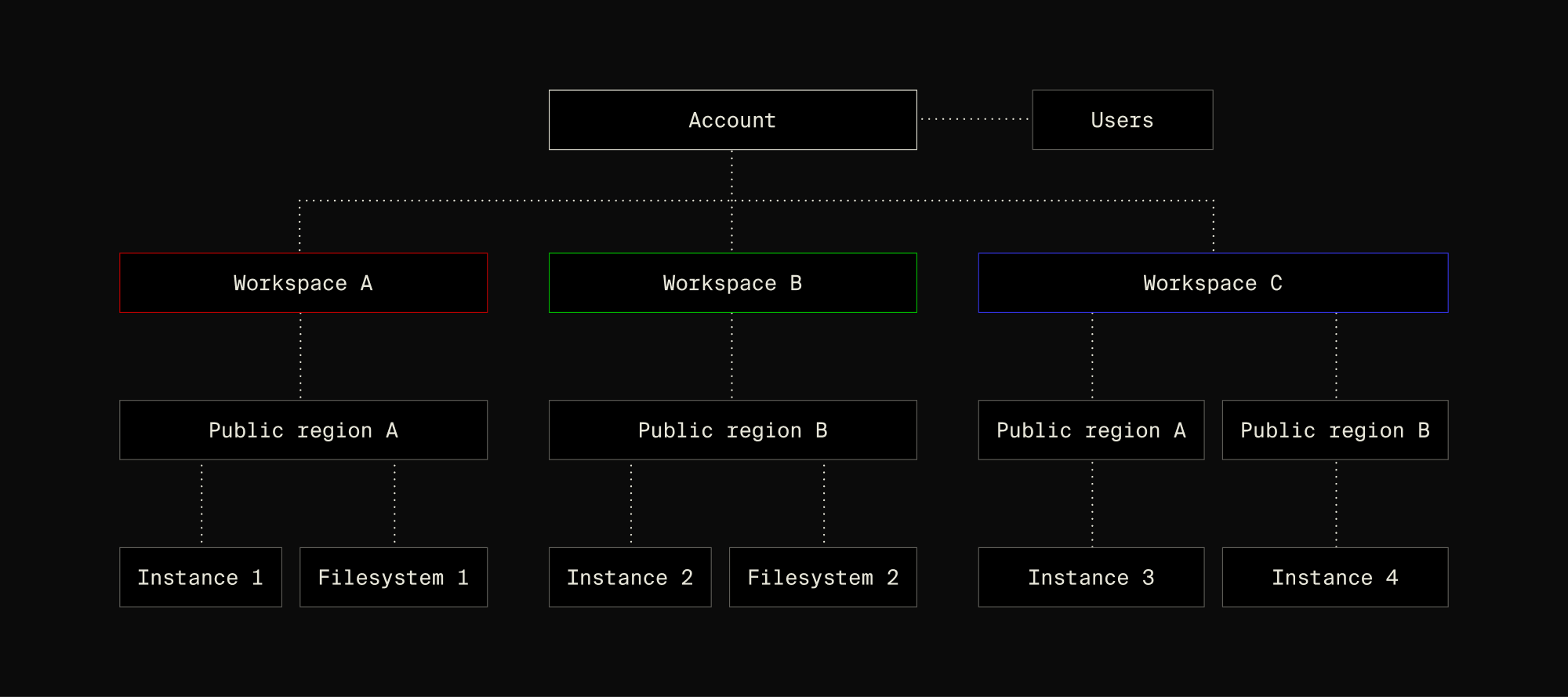
A workspace is for organizing resources and managing access. It doesn't create a separate bill or invoice per workspace.
Putting it to work
The common pattern is dev, staging, and production. Each gets its own workspace, its own membership, and its own boundary.
Researchers get the dev workspace to spin up instances without filing tickets. The platform team gets staging to validate changes before promotion. On-call engineers get production access, with the training cluster protected from anyone outside that small circle.
A contractor working on a specific project? Add them to that project's workspace. When they leave, you remove them from one place.
Workspaces and their memberships are available via the Lambda Cloud console, so you can wire creation and access changes into your identity, onboarding, or offboarding tooling.
Get started
Workspaces are available now to every Lambda Cloud account for free. A single account can hold up to 200 workspaces. So if you've been waiting for a clean way to scope access across your GPU fleet, this is it.
Try workspaces today and read the documentation.